

Right now! Use the discount code ‘NOVEMBER25’ to get your first month free

MemoryCube®

For more information about the MemoryCube(R)

MemoryCube®
– Memories that Connect

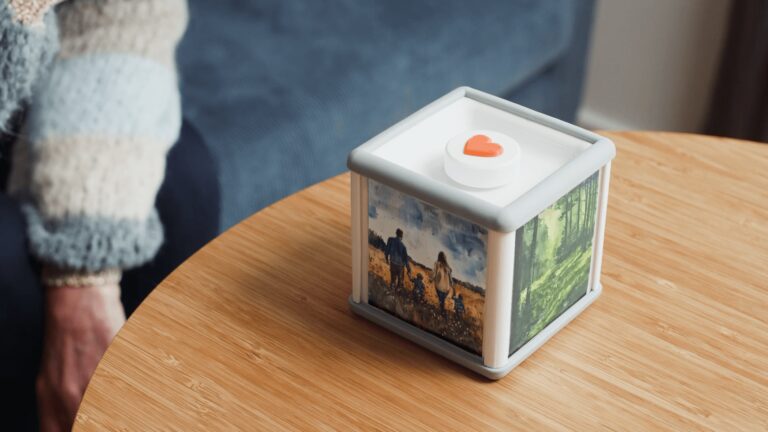
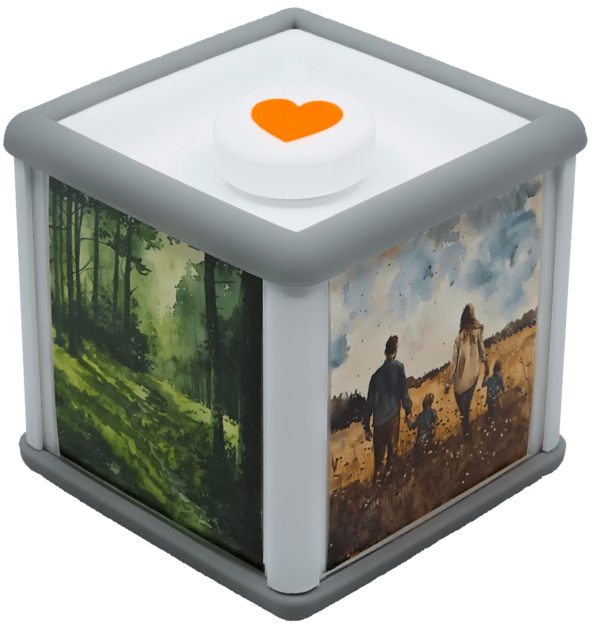
MemoryCube® makes it easy for people with dementia to bring memories to life and feel connected to their family. When pictures and videos are received, MemoryCube® lights up, and with a simple lift, the display automatically starts on the television.

MemoryCube® Strengthens the Connection between Generations

With pictures and videos shared by family and loved ones, MemoryCube® brings memories to life and creates presence in everyday life.

MemoryCube® Creates Togetherness between Generations

MemoryCube® makes it easy to share and exchange experiences and memories, supported by relevant pictures and videos.
Strengthens togetherness
Strengthens togethernessLinda
"I find that MemoryCube® strengthens our time together when we visit my grandmother. She always wants to talk about the things we've added during the week, and she enjoys talking about pictures from her childhood and youth together. We've found a shared activity that brings us closer together."

Self-determination
Self-determinationEsben Andersen
"It's nice that my mother can also decide for herself when to look at pictures and when to stop. It's also nice to be able to pause so it doesn't continue when we're talking about a picture."
Share life historyAnne-Mette
"It has been absolutely fantastic. The journey of adding all the pictures from my childhood and my entire family life."

What is MemoryCube®?

MemoryCube® displays your pictures and videos on the television so you can enjoy them together.
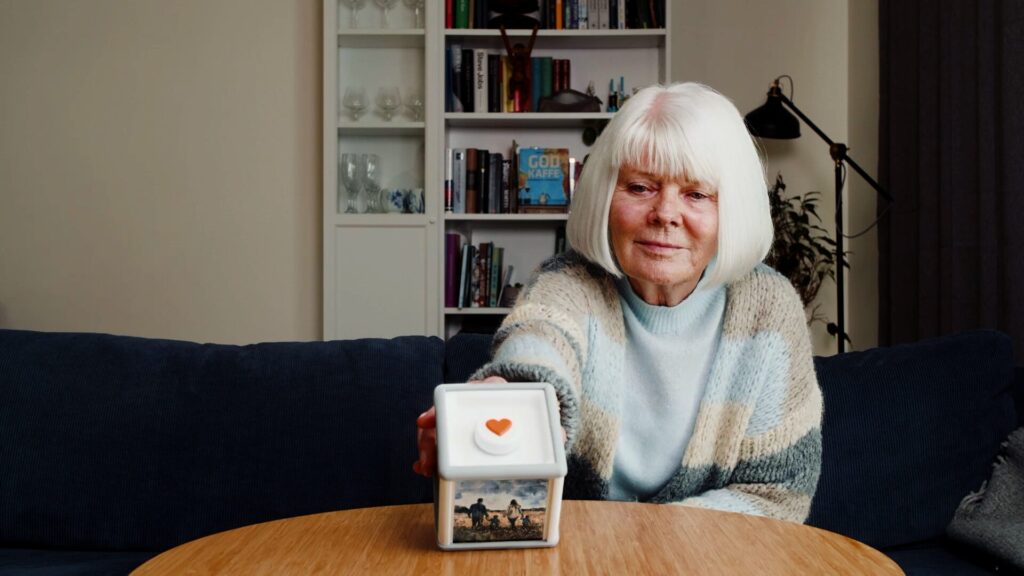
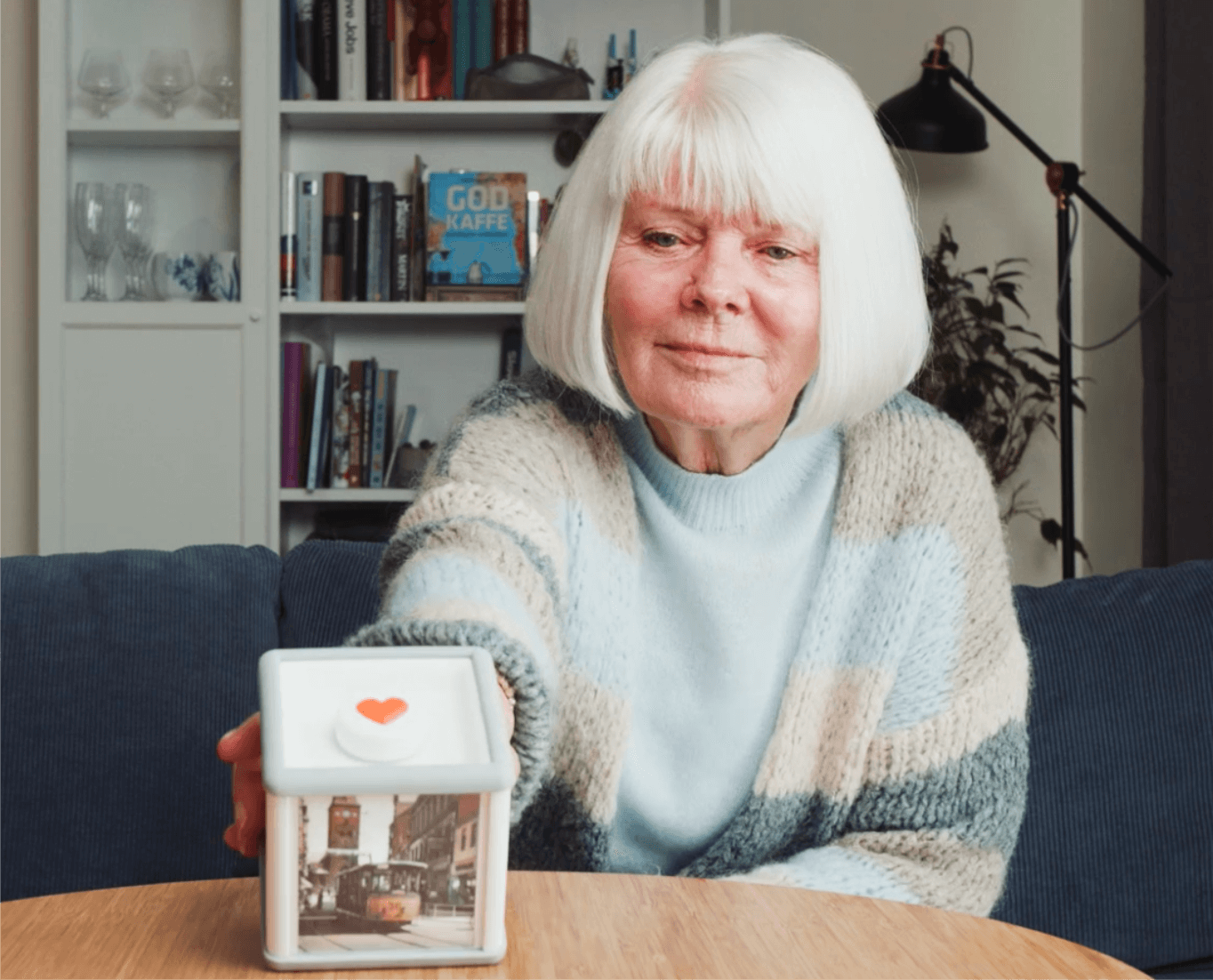
MemoryCube® can be operated by anyone – just turn the cube to start.
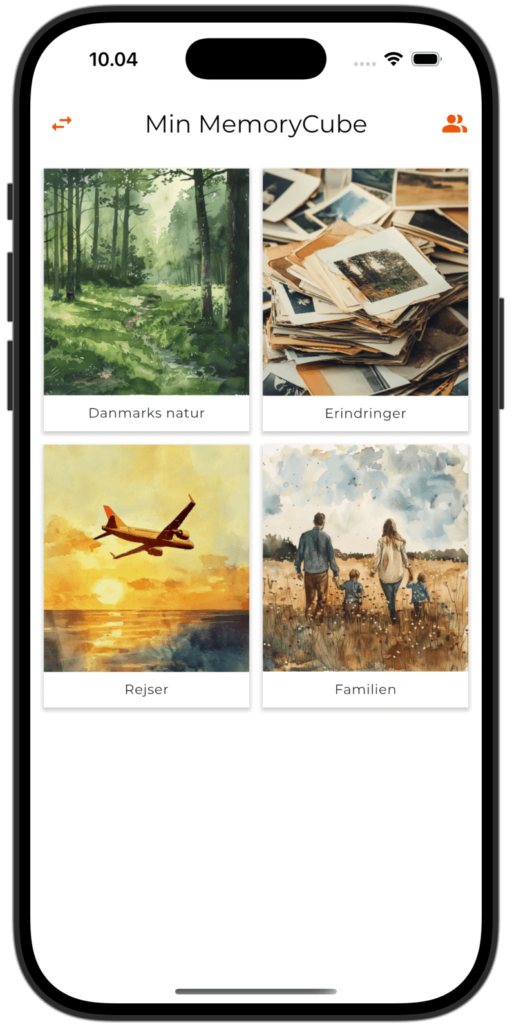
With the MemoryCube® app, the whole family can send content to MemoryCube®.

Add Content via the App

Upload pictures and videos directly from your smartphone or tablet to one of MemoryCube's four theme pages.

Enrich the Memories

Add descriptions, names, and places to provide context and make the memories more vivid.

Receive New Memories

When new content arrives, MemoryCube® lights up to show that there are new memories.

people-love-together-ico

View and Relive Together

Turn MemoryCube® to start viewing your memories in a shared experience.

Invite Family and Friends

Give an unlimited number of loved ones access to share their pictures and videos.

Suitable for Everyone

MemoryCube® is designed to be intuitive and accessible, so everyone can participate – regardless of technical experience.

Order MemoryCube®

Order your MemoryCube® here on the page.

Add Memories

Upload pictures and videos directly in the MemoryCube® app – easy for the whole family to share and contribute.

Setup

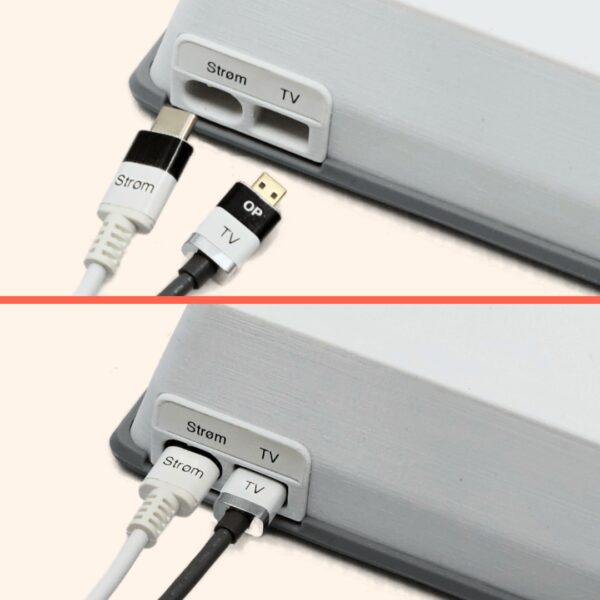
MemoryCube® is delivered ready to use. Just connect it to power and your television.

Setup

MemoryCube® is delivered ready to use. Just connect it to power and your television.

Add Memories

Upload pictures and videos directly in the MemoryCube® app – easy for the whole family to share and contribute.

Frequently Asked Questions

01

How many Pictures and Videos Can be Added to a MemoryCube?

At least 20,000 pictures and 16 hours of video spread across the four theme pages, so in practice, the system never runs out of space.

02

Do You Need Internet (WiFi) to Use the System?

No, the system uses mobile data with a built-in SIM card to access the internet. No other networks are required, and everything is set up in advance, ready to use.

03

Is it Easy to Set up and Maintain?

Yes, the system is delivered fully configured and ready to use. Batteries are installed, power supply and HDMI cable are provided with clear markings on how to connect. If you have any questions, you can always contact us at 2729 3927 - of course, free of charge.

04

How Long Do the Batteries in the MemoryCube Last?

About 6 months depending on use. When the batteries are about to run out (about 1 month left), a battery icon is displayed on the TV and in our app. They are regular AA batteries that can be easily changed without tools by removing the bottom plate on the off side of the MemoryCube.

05

Do You Need to Use the TV Remote to Start the System?

No, the TV turns on automatically when you turn one of the picture sides of the MemoryCube upwards. When you want to turn off the TV, turn the bottom ("off side") of the MemoryCube upwards. Only if you want to switch to TV channels or adjust the volume do you need to use the remote.

06

How many Family Members Can Contribute Pictures to the System?

Anyone who wants can contribute free of charge. You can invite as many friends and relatives as you wish. The app is free to download and use, but only those you have invited can contribute to your MemoryCube®.

07

Why should I Lease MemoryCube®?

We want to make MemoryCube® easy and non-binding to get started with. You can therefore lease MemoryCube® without any commitment.
The monthly price also includes free data on MemoryCube's built-in SIM card, and an unlimited number of users for our app.
If you want other forms of payment, you are welcome to contact us.

08

What is the Commitment Period?

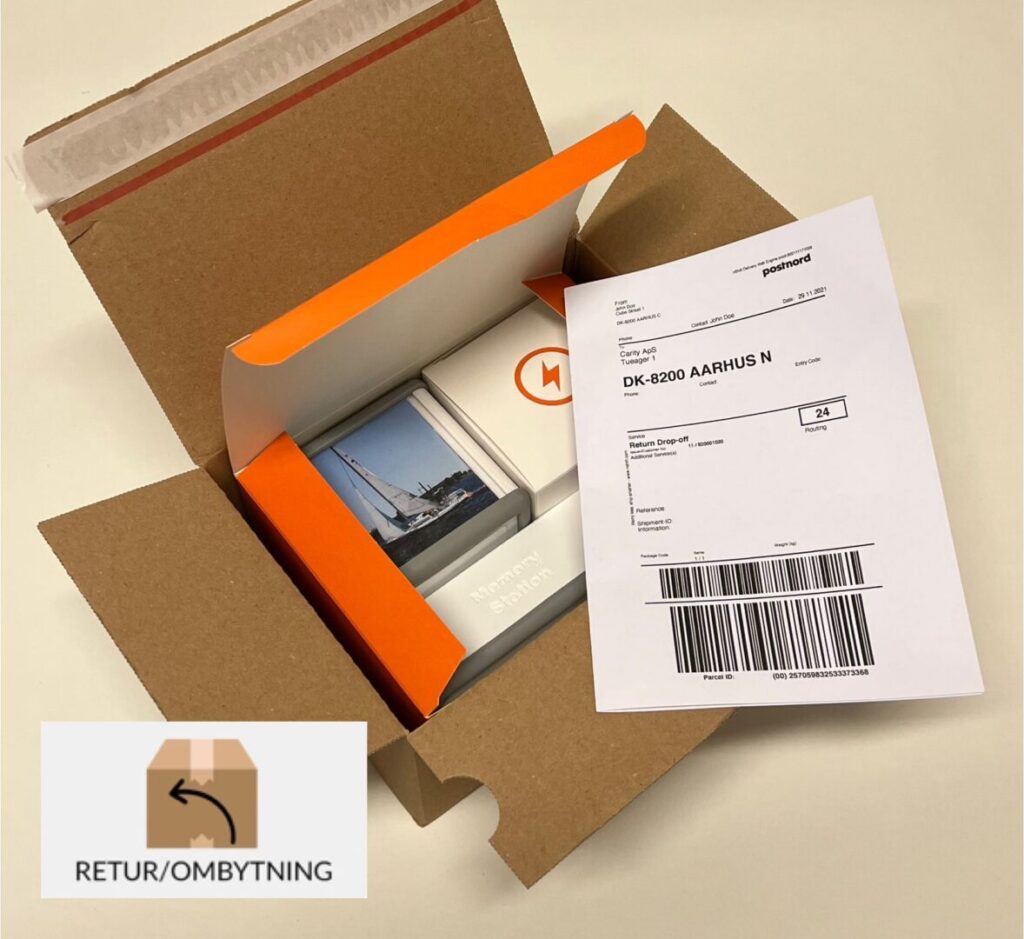
There is no commitment on leasing MemoryCube. If it turns out – against expectations – that MemoryCube® is not right for you, simply send it back, and the lease ends. We can offer this because we know the value MemoryCube® can create, and the best way to experience it is to try it yourself without any obligation.

Give your Memories New Life

With MemoryCube®, your pictures and videos come alive on the TV – in a size
and location that invites shared experiences.

You easily upload via the MemoryCube® app for smartphone and tablet and build over time a
personal archive filled with good moments you can always return to.

Environmentally Friendly Production

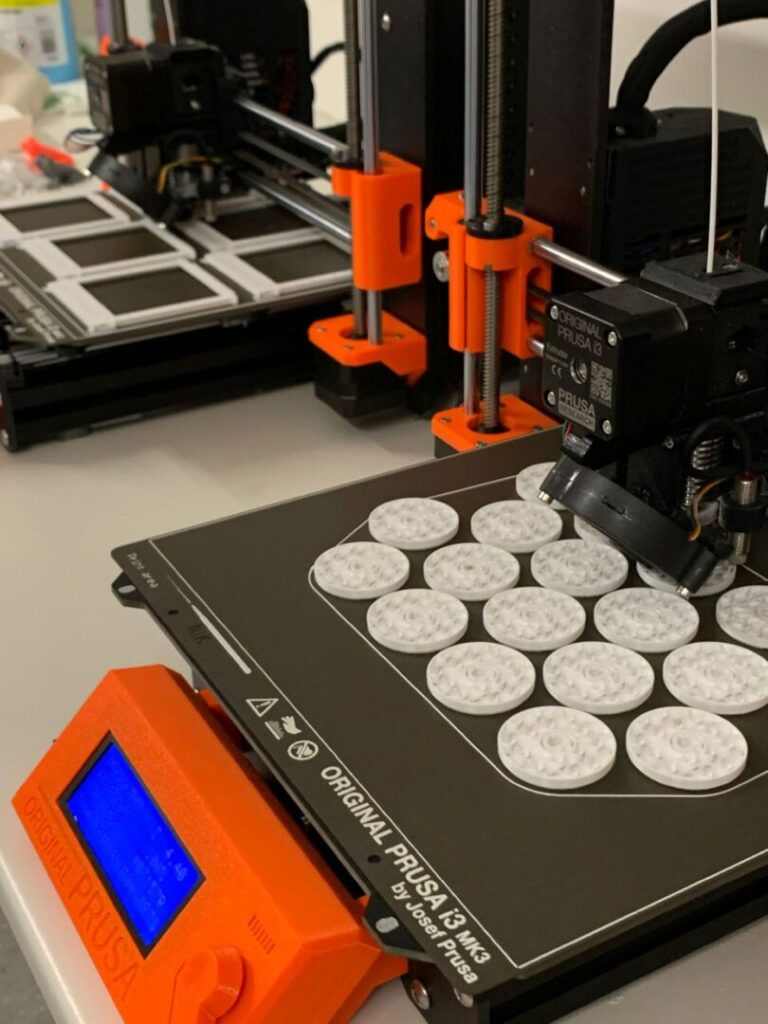
3D printed items with internal skeleton and 85% cavity minimize material consumption, weight, and climate impact. The chosen plastic polymer (PETG) is durable, easy to clean, food-approved, and easy to recycle.

Extended Right of Withdrawal

Avoid wrong purchases if the product doesn't meet expectations. We have extended the statutory right of withdrawal from 14 days to 30 days, where you can freely return the product and get all expenses refunded.

Extended Right of Withdrawal

Avoid wrong purchases if the product doesn't meet expectations. We have extended the statutory right of withdrawal from 14 days to 30 days, where you can freely return the product and get all expenses refunded.

Lease - Instead of Buy

Support recycling if you no longer enjoy MemoryCube and avoid electronic waste We ensure responsible recycling of plastic parts, and can reuse circuit boards, cables and power supplies etc. so the amount of electronic waste is reduced

Lease - Instead of Buy

Support recycling if you no longer enjoy MemoryCube and avoid electronic waste We ensure responsible recycling of plastic parts, and can reuse circuit boards, cables and power supplies etc. so the amount of electronic waste is reduced

How to Use MemoryCube®

The MemoryCube® App Gathers Family Memories in one Place

With the MemoryCube® App, the Whole Family Can Easily and Securely Add Pictures, Videos and Send Greetings Directly from Their Smartphone. Invite as many Users as You Want, and Create a Shared Archive of Good Moments.

Contact us

Fill out the form and our team will contact you soon. 

Contact us

Fill out the form and our team will contact you soon.

Are you interested in MemoryCube® for personal or institutional use?

MemoryCube® is carefully tailored for different contexts, so to show you the most relevant material, please select your expected use below.